Cost Control and Cleanup
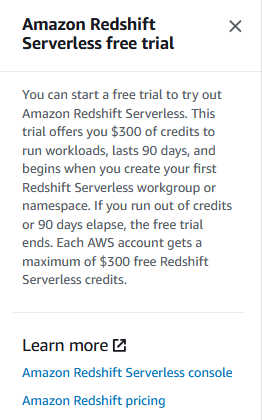
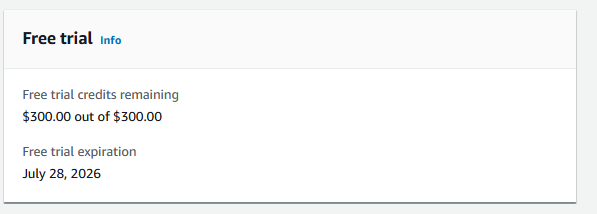
Redshift Serverless has $300 free trial credit for 90 days for accounts that haven’t used Redshift Serverless before.
- This credit is separate from AWS Free Tier $200
- Applies to compute usage (RPU-hours)
- Automatically expires after 90 days or when $300 is used up
Cost Control
Capacity
- Use low base capacity (4 RPU) for hands-on work
- Increase when heavy queries are needed, but reduce immediately after
- Monitor usage in Redshift console
Query Optimization
- Use LIMIT in test queries
- Filter by partitions (year, month) to reduce data scans
- Avoid unnecessary full dataset queries
Resource Cleanup
After completing the workshop:
Delete Redshift workgroup and namespace:
- Redshift console → Serverless dashboard
- Select workgroup → Delete
- Select namespace → Delete
Delete Glue resources (if not needed):
- Crawlers: glue-crawler-processed-yellow-taxi
- Databases: redshift_database
- Tables: processed_yellow_taxi_trip_data
Delete IAM roles:
- AmazonRedshift-CommandsAccessRole-…
- glue-role-manhattan-processed-crawler
Empty S3 buckets if data is not needed (but keep for ETL pipeline)
Notes
- Redshift Serverless only charges when queries are running
- If workgroup exists but unused, minimal charges may still occur
- Monitor Billing console to track usage