Common Mistakes and Fixes
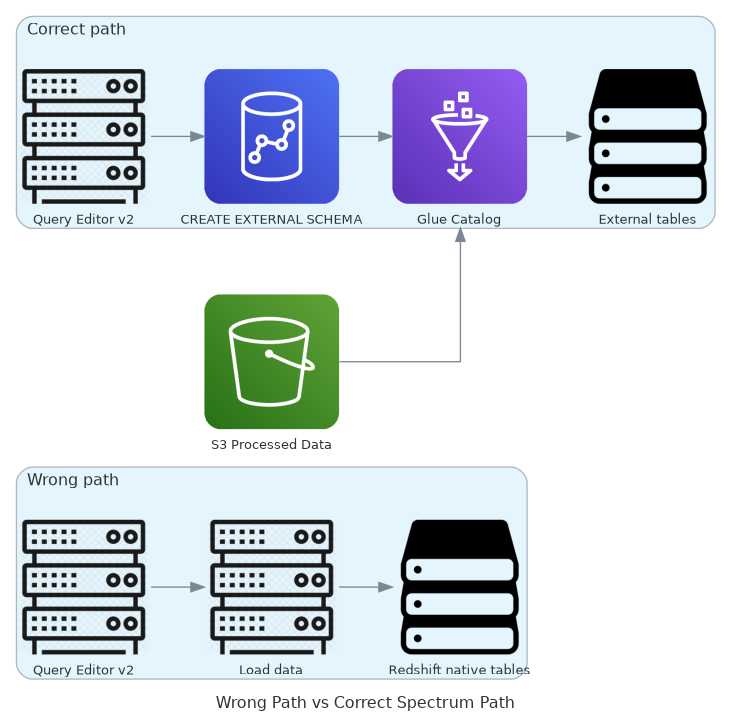
Mistake 1: Using “Load data” Instead of External Schema
When first entering Query Editor v2, you might mistakenly click “Load data” to import data into Redshift native tables.
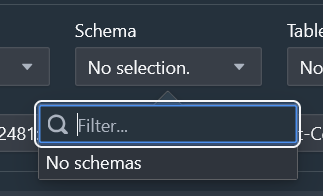
Why Wrong?
Load data is for COPY data from S3 into Redshift internal tables, suitable when you want to store data in Redshift.
But our goal is to query external data from S3/Glue without copying.
Fix
- Cancel Load data
- Use CREATE EXTERNAL SCHEMA to reference Glue Catalog
- Query through external tables
Mistake 2: Wrong Glue Database Mapping
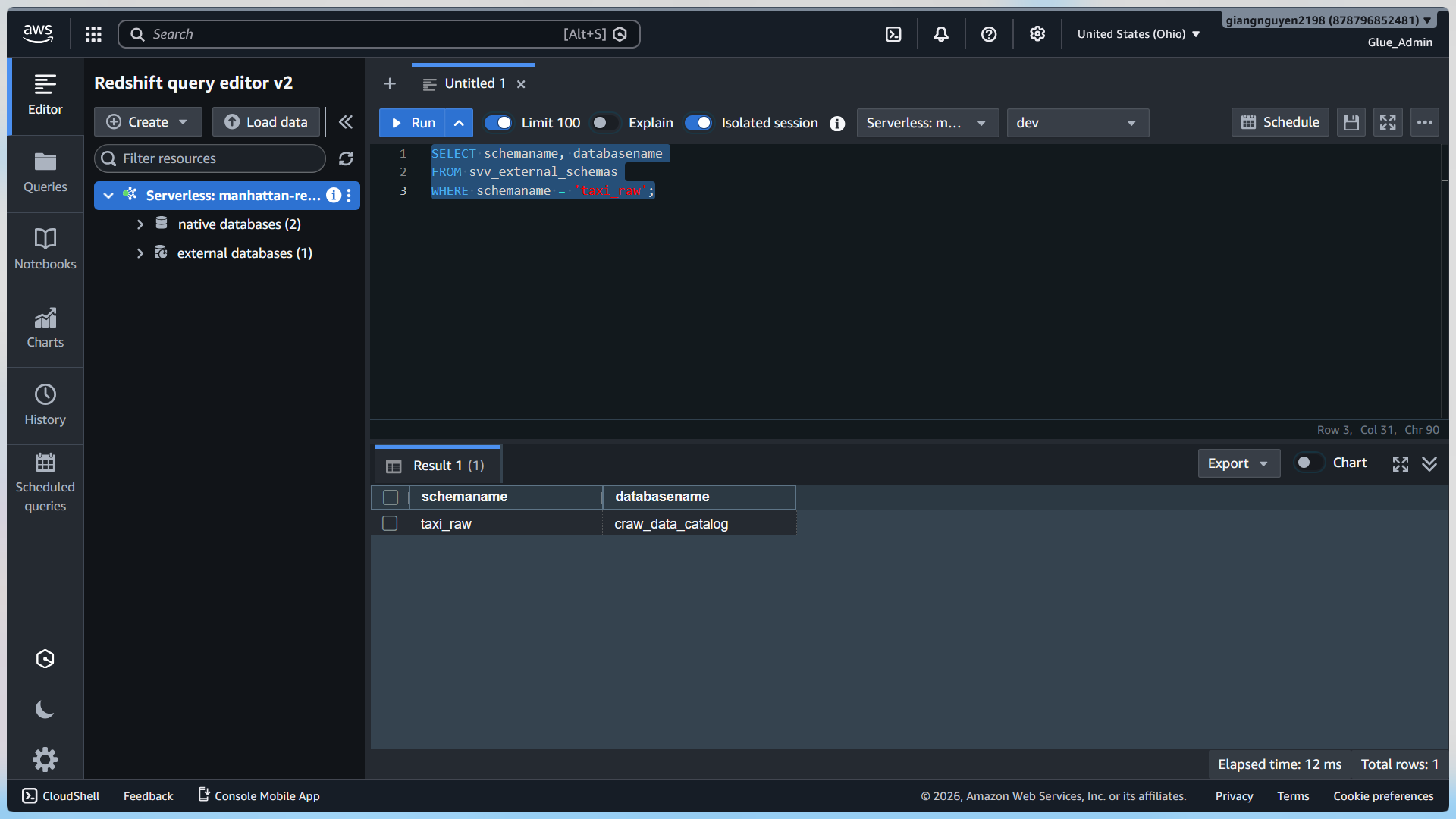
Initially, you might create external schema pointing to craw_data_catalog (raw data) instead of processed database.
Signs
SELECT schemaname, tablename FROM svv_external_tables WHERE schemaname = 'taxi_raw';
Fix
- Create Glue Crawler for processed S3 bucket
- Create external schema pointing to processed database
- Ensure correct database name
Mistake 3: Duplicate Columns in Glue Table
Glue table has year/month appearing in both normal columns and partition keys.
Error
External table “taxi_processed.processed_yellow_taxi_trip_data” has column “year” duplicated
Cause
ETL job wrote year/month into Parquet data, while S3 path used Hive partitions year=…/month=…
Glue Crawler inferred duplicates.
Fix
Edit Glue table schema: remove year/month from normal columns, keep in partition keys.
Then refresh Redshift metadata.
Mistake 4: IAM Role Without Permissions
If query fails with access denied, check if IAM role has permissions to read S3 buckets and Glue catalog.
Role needs: AmazonS3ReadOnlyAccess, AWSGlueServiceRole policies.
Mistake 5: Wrong Region
Ensure all resources are in the same region us-east-2.
Best Practices
- Always test with LIMIT before full queries
- Use partition filters to optimize performance
- Check svv_external_schemas and svv_external_tables to verify metadata