Prepare Athena Results
Before Athena can run queries, it needs an Amazon S3 output location to store query results.
In this page, you will create that bucket and connect it to Athena.
Step 1: Open Amazon S3
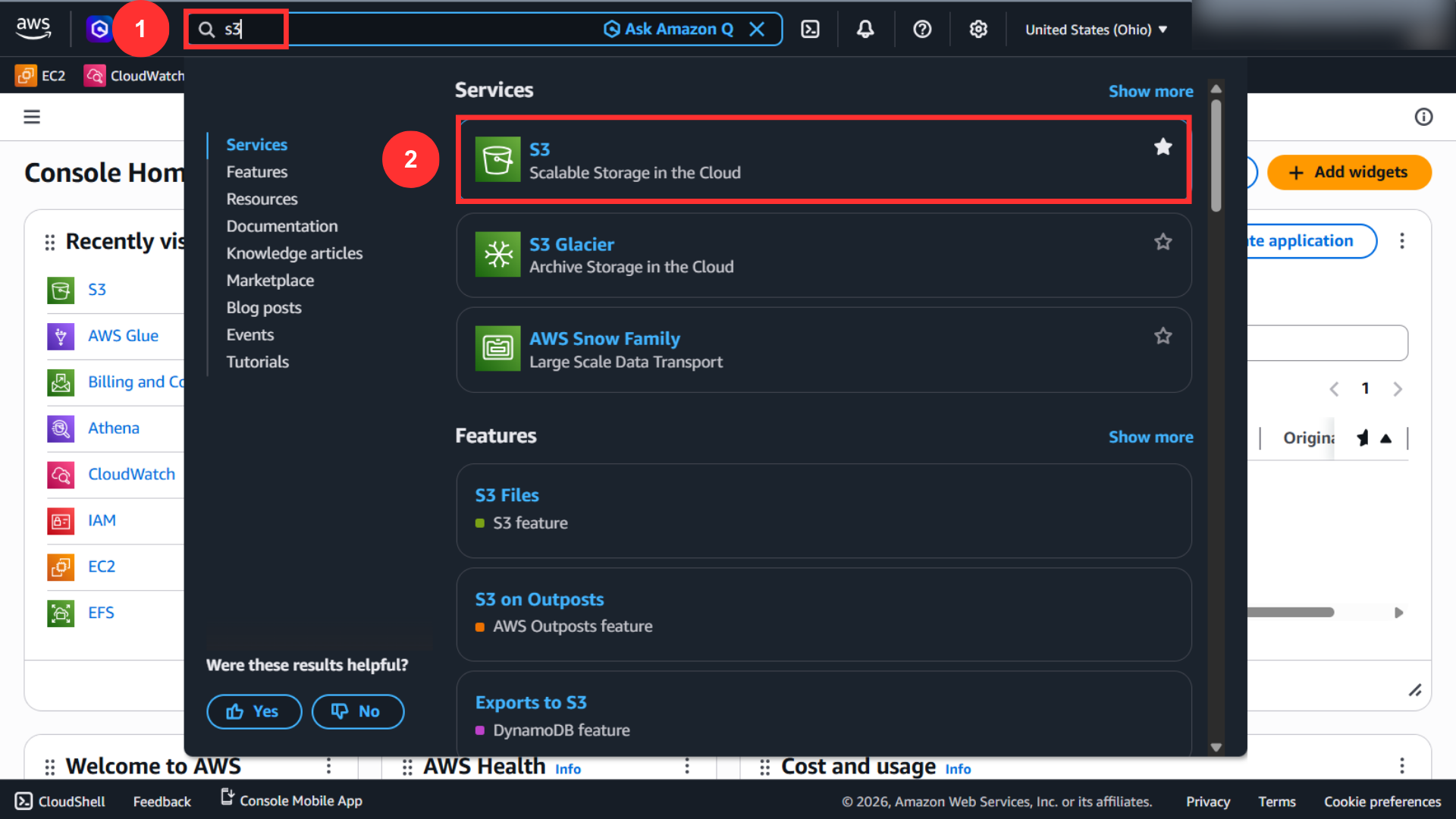
From the AWS Console, search for Amazon S3 and open the service.
Step 2: Create a Dedicated Result Bucket
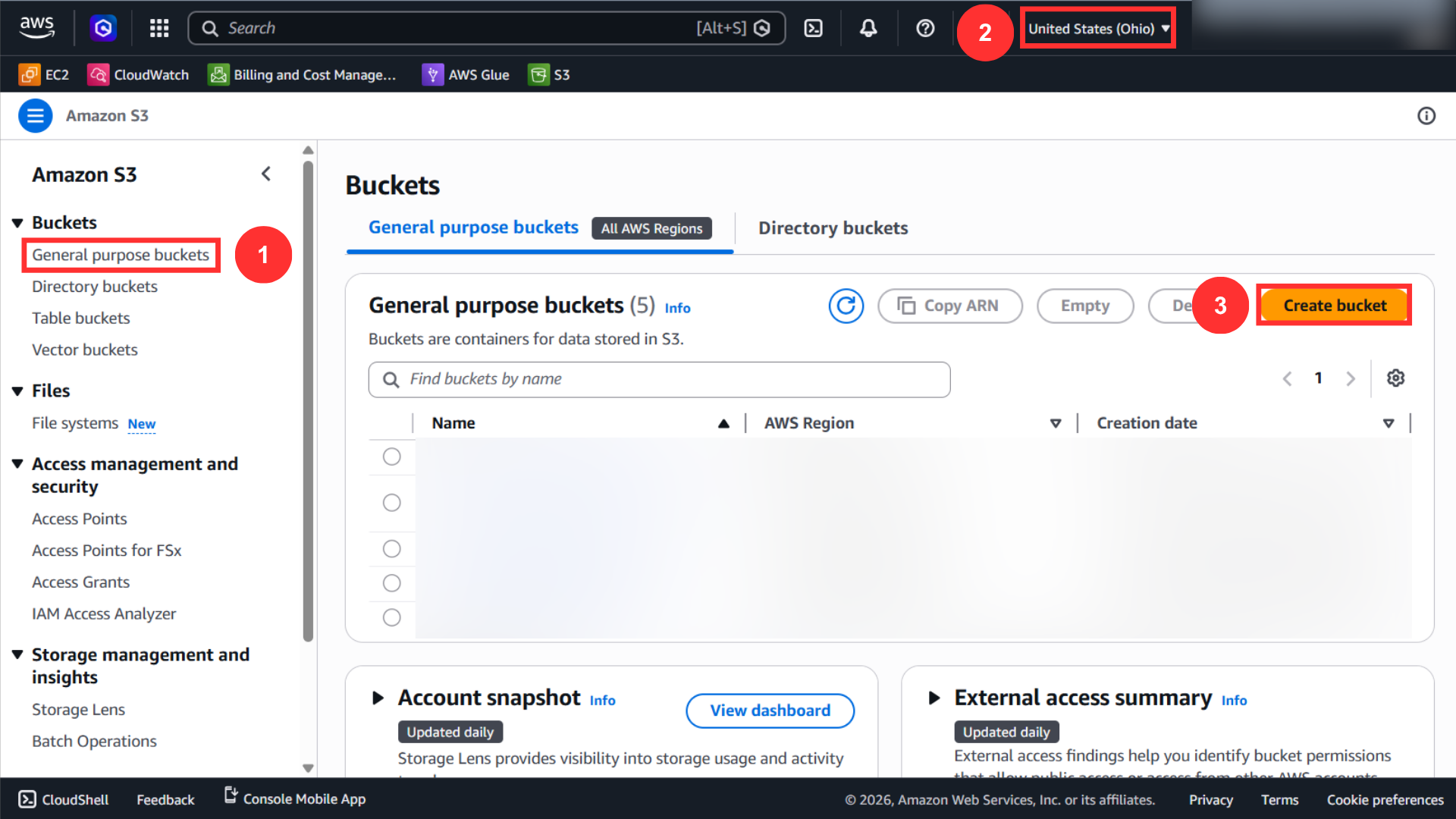
In the S3 bucket list, choose Create bucket.
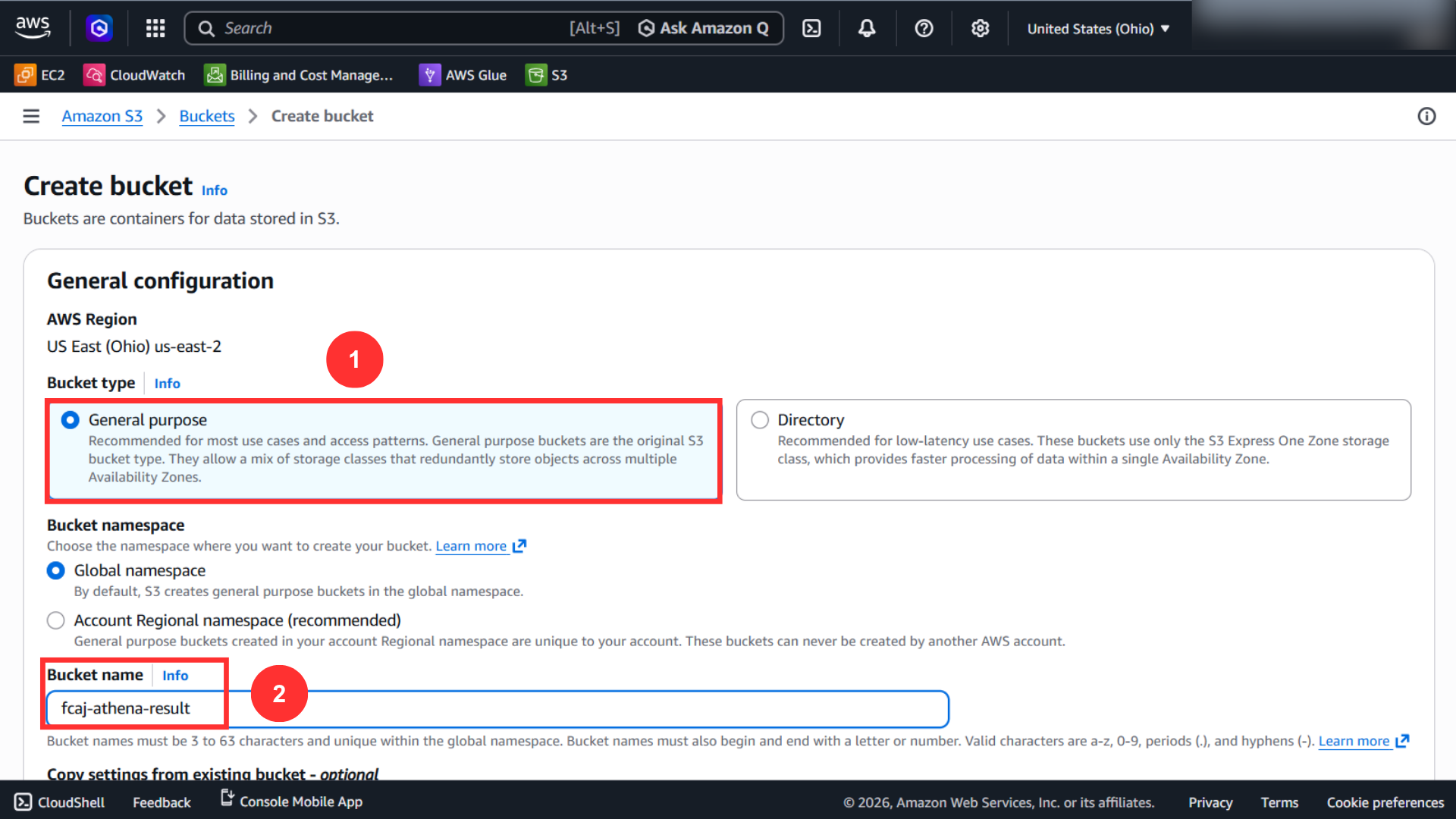
Create a general purpose bucket and give it a dedicated name for Athena query results.
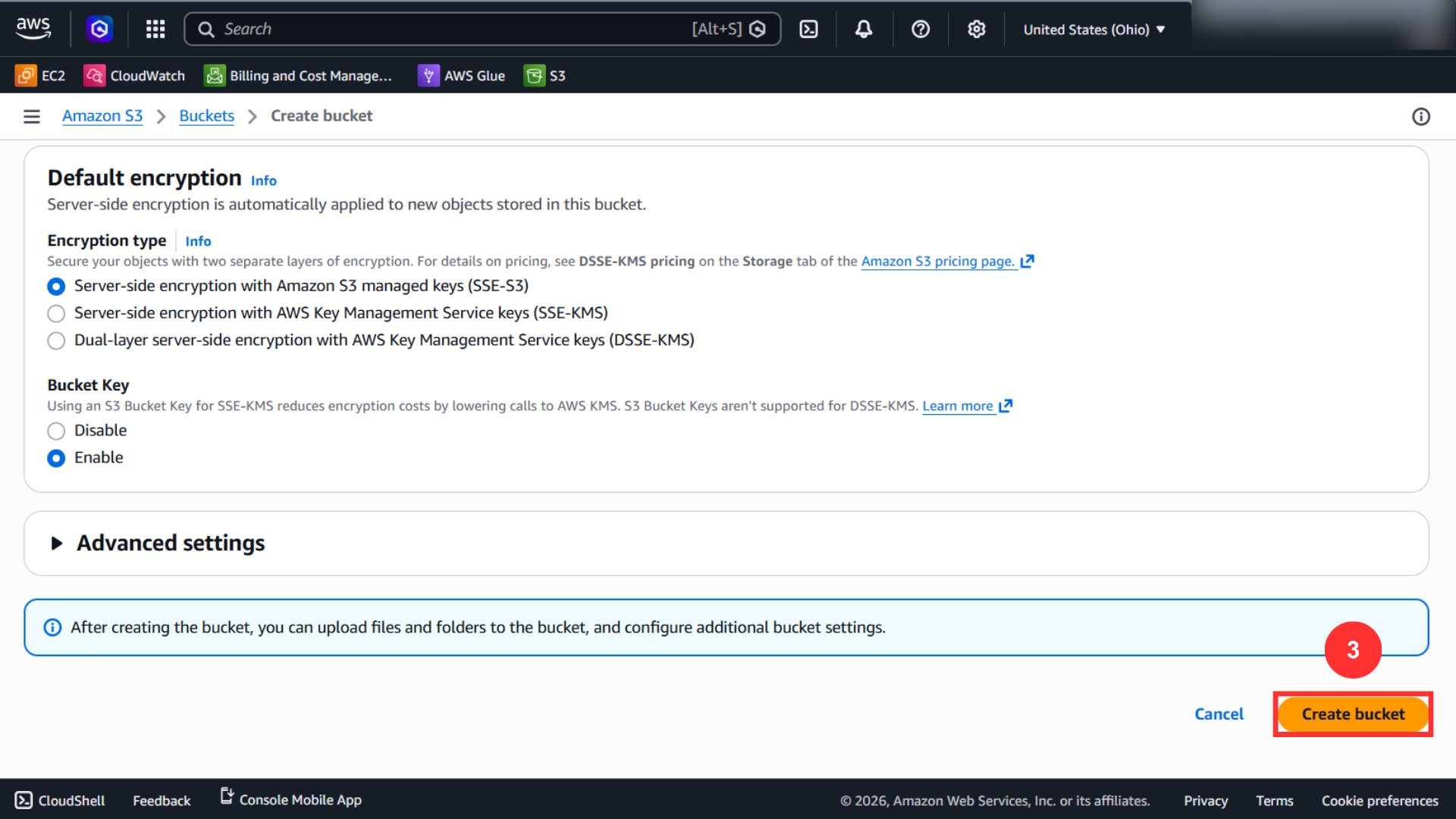
After reviewing the default settings, scroll down and choose Create bucket.
Step 3: Configure Athena Output Settings
After the bucket is ready, open Athena Query Editor and choose Edit settings.
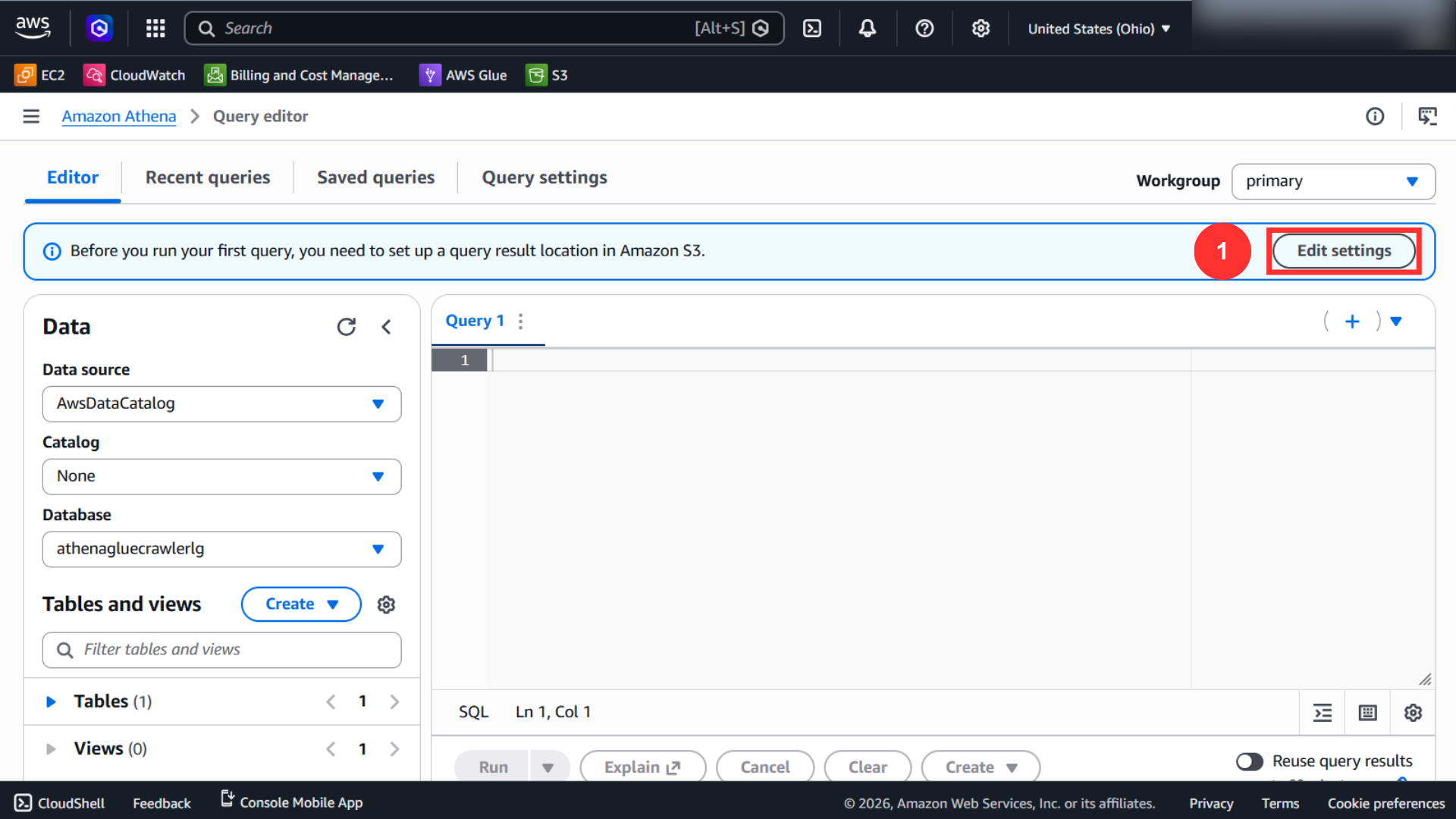
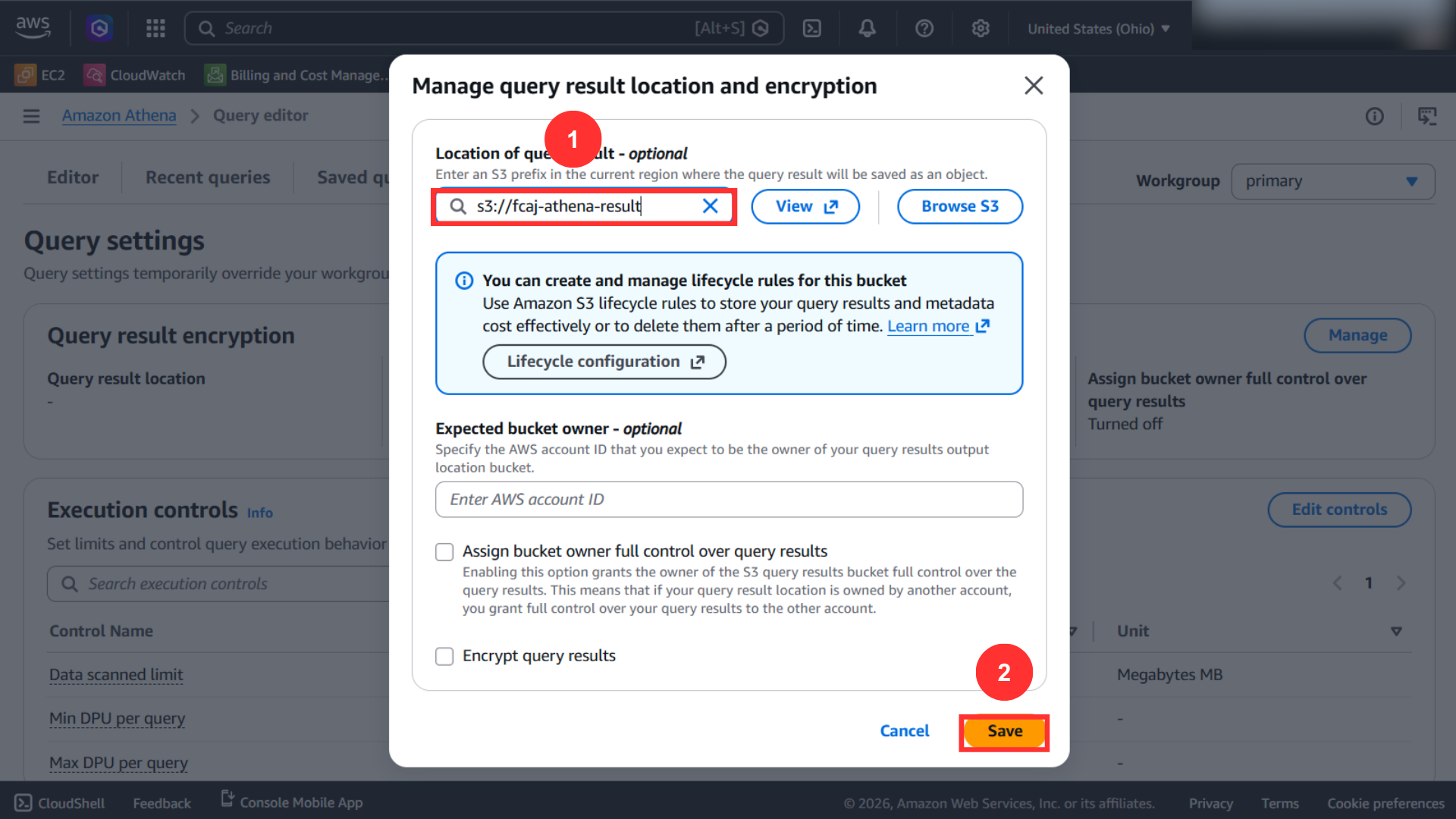
Choose the S3 bucket you created for query results, then save the configuration.
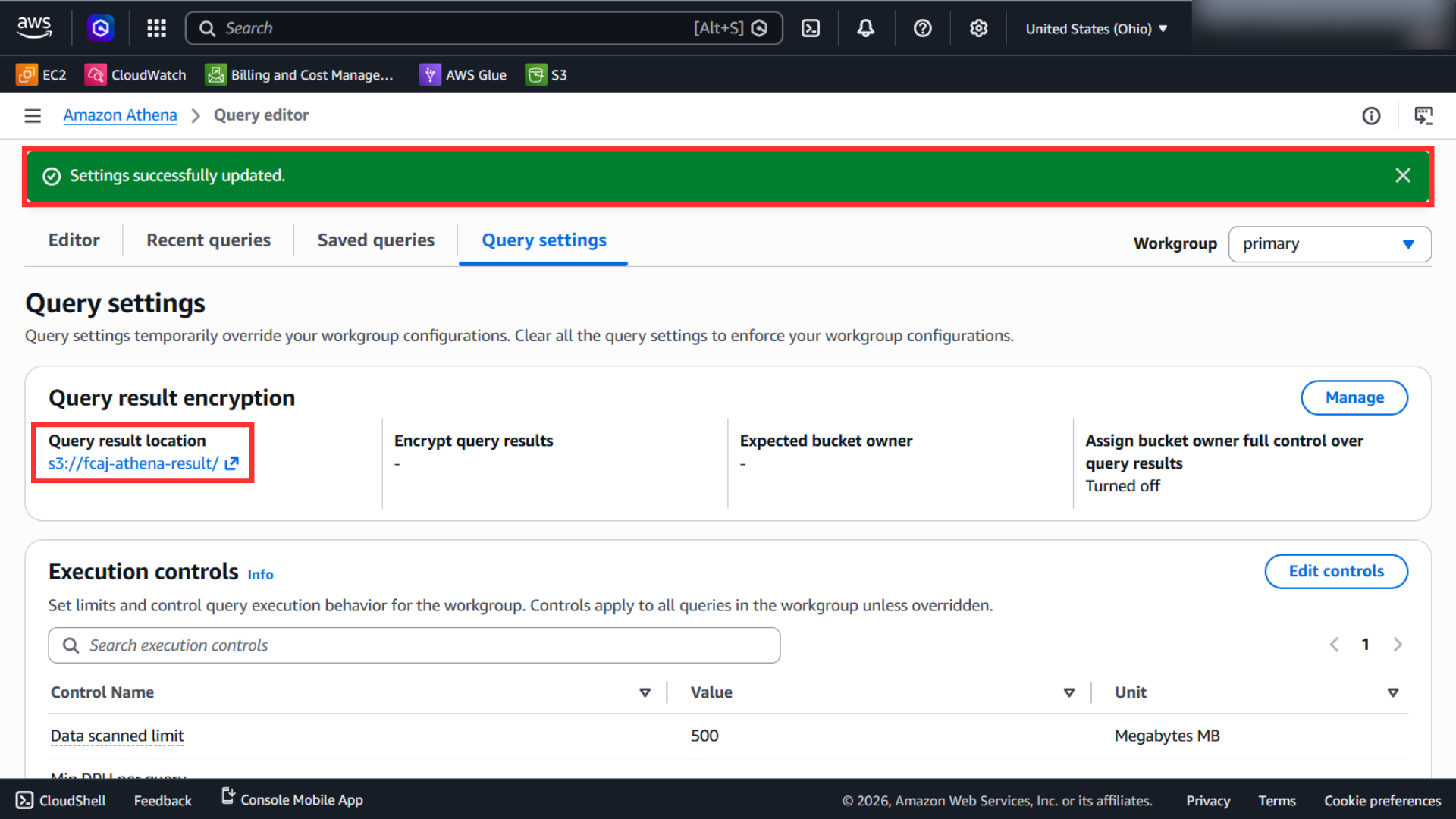
Athena should confirm that the result location has been updated successfully.
Athena cannot run queries until an output S3 location is configured.